












Coming soon to macOS, Windows and Linux

Keep the videos
you learn from.

VidStow saves YouTube videos, playlists and channels to a folder on your computer, in 4K or just the audio. Follow a channel and its new uploads show up, ready to download.

One email when VidStow launches. No newsletter, no sharing your address.

Followed channels

Catch up when you’re ready.

Follow a channel or playlist once, with its own quality, subtitles and folder. Its new uploads show up on Followed, ready to download.

Formats and subtitles

See the file before you download it.

Paste a link and VidStow lists what YouTube really has for it: every resolution, the audio on its own, and each subtitle language. The file name and size update as you choose, so nothing lands in your folder that you didn’t pick.

12:14
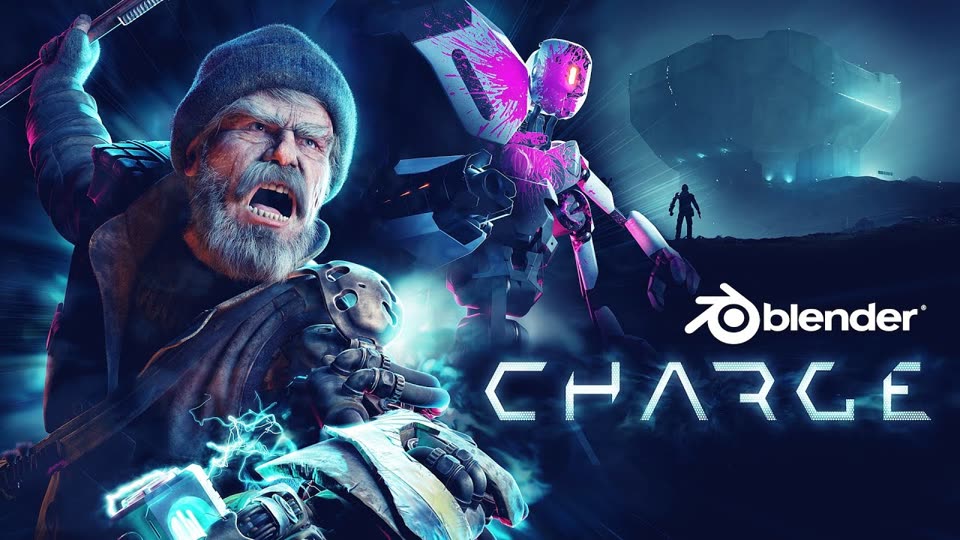
Tears of Steel - Blender VFX Open MovieBlender · 12:14 · 2.6M viewsMP4 · AV1 · AAC · 24 fps
Output
Quality
Subtitles
In the fileTitle & channelChapters
Saves as Tears of Steel - Blender VFX Open Movie [R6MlUcmOul8] [1080p].mp4Plus English subtitles as an .srt file beside it
about 80.0 MB for 12:14 of 1080p video

This card is live. Try Audio, or add a second subtitle language.

Playlists

The whole playlist, or just the lectures you need.

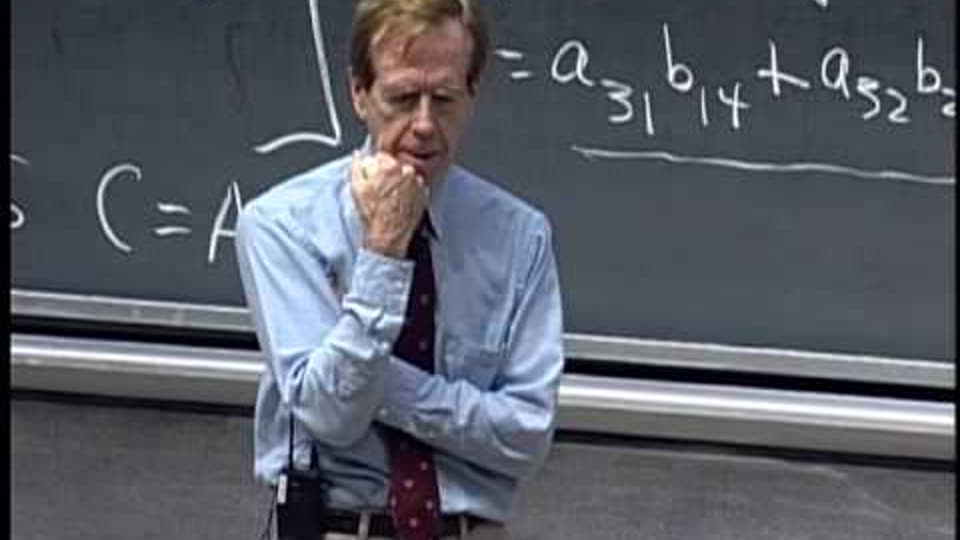
Paste a playlist and tick the videos you want. One quality choice covers them all, and the playlist saves into a folder of its own, even when it runs to 500 videos.

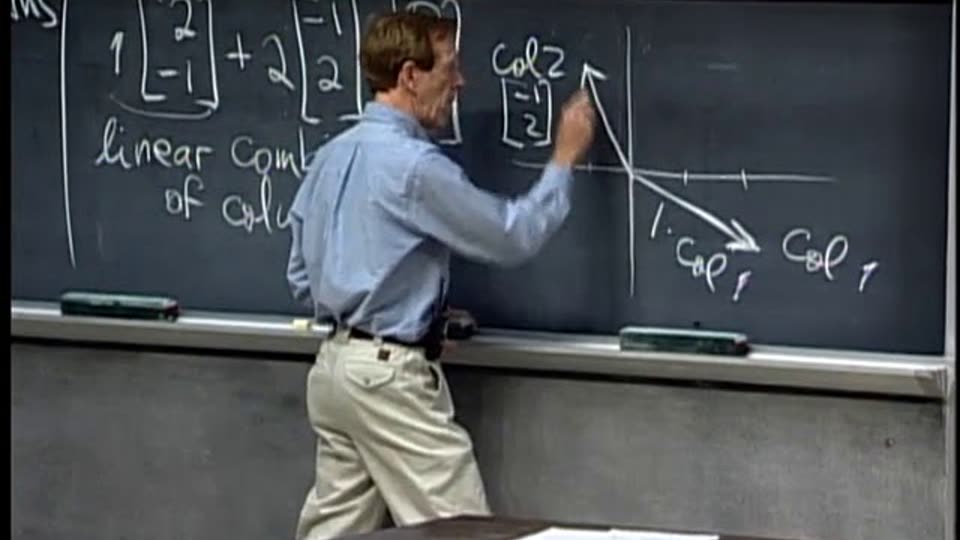
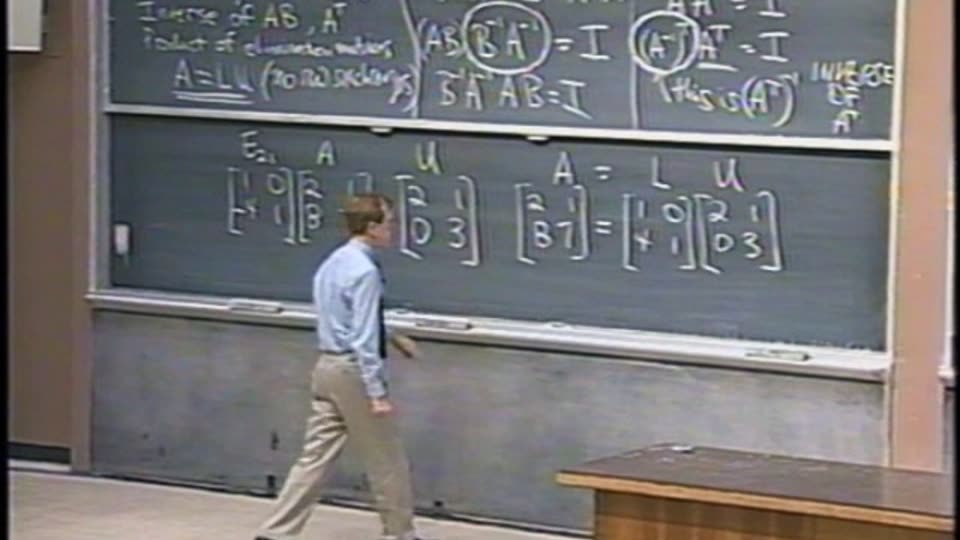
MIT 18.06 Linear Algebra, Spring 2005MIT OpenCourseWare · 36 videos
  • and 28 more in the playlist
6 selected · 4 h 34 m · 480pDownload 6

And also

A few more things you’ll like.

  • Your Watch Later, offline

    VidStow uses the sign-in your browser already has, so it can keep your Watch Later, Liked videos and private uploads.

  • A lecture for the commute

    Save just the audio as M4A, Opus or MP3 and listen with the screen off.

  • Paste a whole list

    Drop in up to 20 links, one per line, and they all download together.

  • Jump to the part you need

    Chapters go into the file, so most players let you skip straight to a section.

  • Quit halfway, finish later

    Anything unfinished carries on the next time you open VidStow.

  • Nothing in between

    No ads, no account, no cloud. The file comes straight from YouTube to your folder.

    YouTubeDownloads/vidstow/MIT OpenCourseWare

Pricing

Prices revealed at launch.

Try every feature free before you buy. No card needed. People on the waitlist hear first when buying opens.

Included
  • Every feature
  • Up to 3 computers
  • macOS, Windows and Linux

Buying opens on launch day. Refunds within 14 days, no questions asked.

FAQ

Questions, answered.

When does VidStow launch?

Soon. Join the waitlist and you will get a single email on the day, with the download for your computer.

What am I allowed to download?

Videos you have the right to keep: your own uploads, Creative Commons and public-domain work, and anything the creator allows. VidStow is for watching offline and keeping your own library, not for re-uploading other people’s work, so please respect creators and YouTube’s terms. The terms of use spell this out.

How much will it cost?

Prices will be revealed at launch. You can try every feature free first, with no card. People on the waitlist hear first.

Can I get a refund?

Yes. Ask within 14 days of buying and you get your money back. The refund policy has the details.

Which computers does it run on?

macOS, Windows and Linux. One license works on up to three of your computers, in any mix.

Does it work with other sites?

YouTube only for now, with more sites on the way. Today VidStow handles YouTube videos, Shorts, playlists and channels.

What does VidStow know about me?

Your downloads, links and history stay on your computer. Diagnostics are optional and off until you turn them on. The privacy page has the details.

Be first in line.

VidStow is almost ready. Leave your email and we will write once, on launch day.

One email when VidStow launches. No newsletter, no sharing your address.